Time-based app launches
Build a routine once and let Appopener launch the apps you need at the right time on Android.
Android app scheduling from Google Play
Appopener helps you schedule apps to open automatically on Android, send reminder alerts before each block, and turn repeated tasks into clean daily routines.
The only public install link on this page is the Google Play listing.
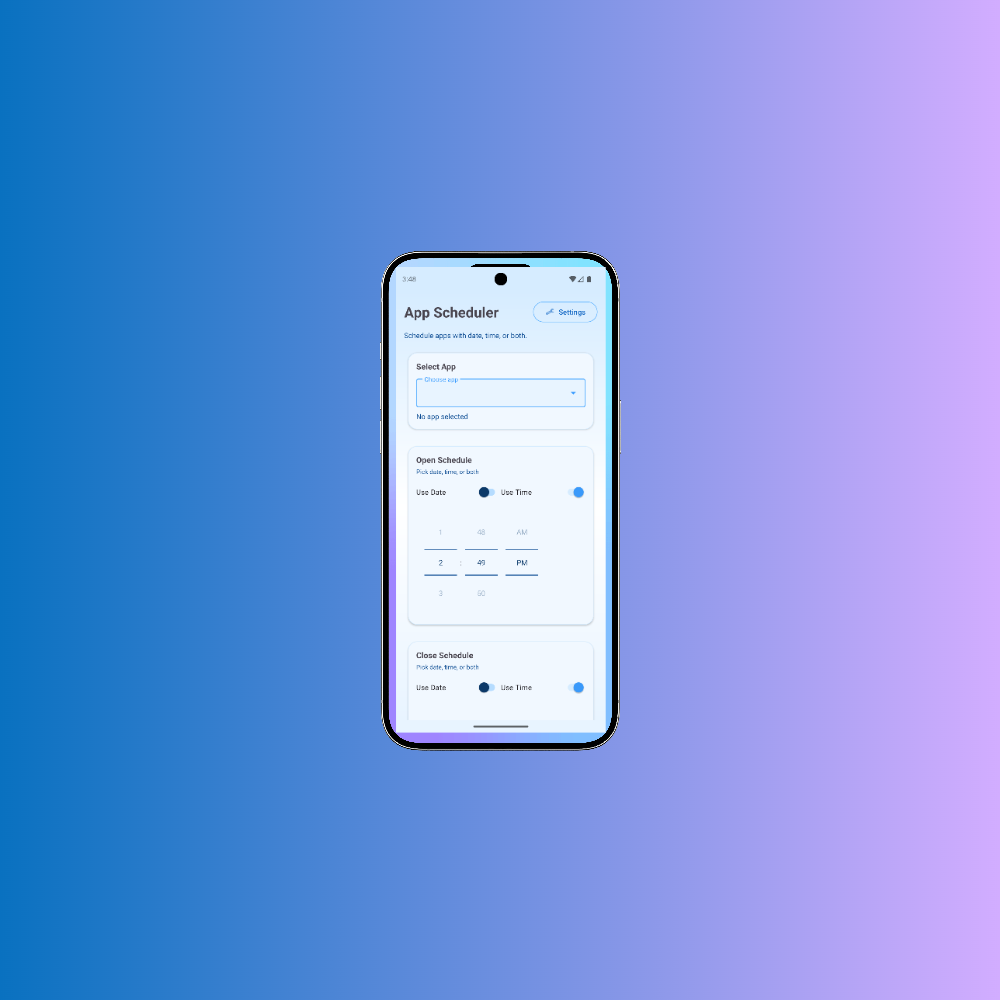
Routine example
Calendar, notes, and task apps open automatically at the start of the day.
Appopener is an Android productivity app built for people who repeat the same digital routine every day and want their apps ready at the exact moment work starts.
Build a routine once and let Appopener launch the apps you need at the right time on Android.
Receive a notification before a task starts so you can move into work without scrambling for the right app.
Create recurring schedules for study sessions, shift handoffs, workout plans, or morning startup sequences.
Appopener lets you build a routine, attach the apps you need, and schedule those apps to open automatically on Android. Instead of manually opening the same tools for every focus block, class, meeting, or shift, you save the flow once and use it again whenever the schedule repeats.
The app works well for students, freelancers, remote workers, creators, support teams, and anyone who wants a cleaner way to move between tasks. If your day depends on opening the right app at the right time, an Android app scheduler can remove a lot of repetitive setup.
Fewer manual steps means less context switching. Reminder alerts reduce missed starts, and recurring routines keep your workday consistent. That is the core benefit of using an app scheduler from Google Play instead of relying on memory alone.
The landing page now focuses on a single install path and a single promise: schedule your Android apps, stay on time, and cut the friction out of repeated tasks.
Set up focus blocks, recurring tasks, and fixed-time routines with a clear timeline that is easy to scan.
Assign an app to each task so your calendar, notes, music, or work tools open when the session begins.
Add reminder alerts before every task so you have enough lead time to switch context without losing momentum.
Reduce decision fatigue by turning repeated work into structured Android routines that run the same way every day.
Setup stays simple: define the schedule, assign the Android apps, and let reminders plus launch actions handle the rest.
Choose the times you want to work, study, exercise, or check in, then save them as a repeatable schedule.
Link each block to the Android app you need so Appopener knows what to open when the block starts.
Get a heads-up before each session and move into the next task with less friction and less app hunting.
The strongest fit is any workflow where the same Android apps need to open on a repeatable schedule.
Open your notes app, code editor, timer, and focus playlist at the start of every work sprint.
Launch reading apps, flashcards, or class tools automatically for each study block throughout the week.
Start the same support, QA, or operations apps at shift handoff so every day begins with the right tools ready.
Preview the scheduler, reminders, and app-launch setup screens before you install from Google Play.
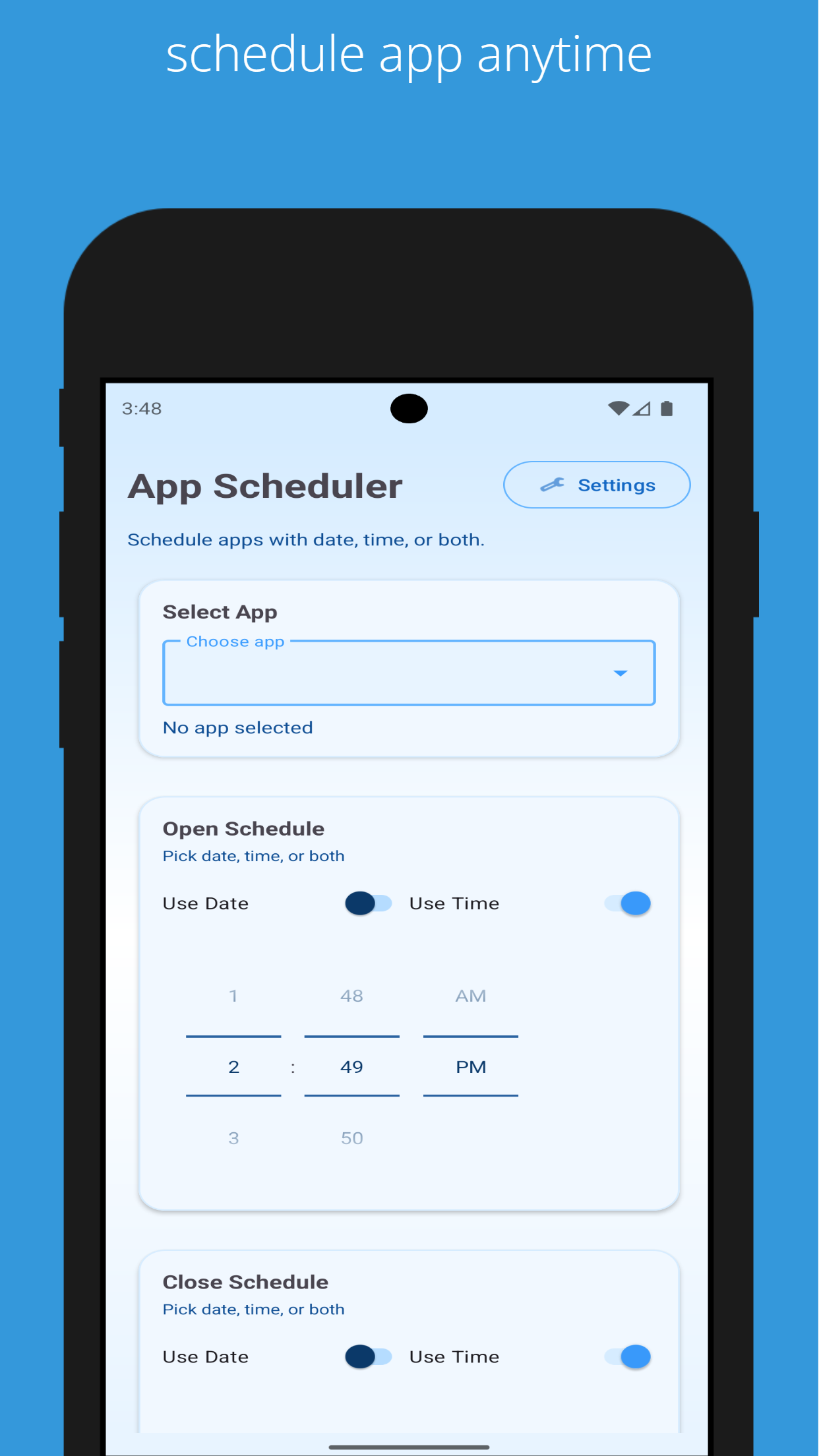


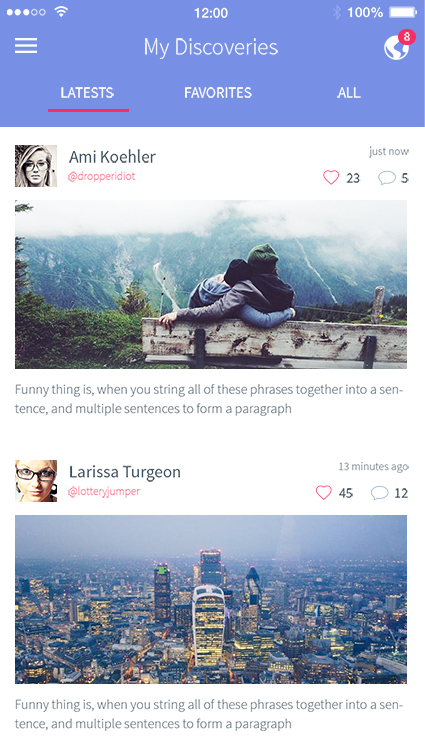
These are the kinds of repeated flows an Android app scheduler handles well when you want less setup and more consistency.
Open your calendar, notes, and communication apps as soon as the workday begins.
Launch flashcards, reading apps, and a timer for each scheduled revision session.
Bring up the same dashboard, ticket queue, and internal chat tools at the start of every shift.
This landing page now exposes one clear install path so users and search engines both understand where to download the app.
Appopener is publicly linked here through Google Play only. The Apple App Store button and other download buttons have been removed.
google playShort answers for users searching for an Android app scheduler, Google Play install details, and app automation basics.
Use the form for onboarding, setup questions, business requests, or support related to the Android app.
Android setup questions, routine planning help, feature requests, partnership inquiries, and store listing feedback.